10 Accounting Software For Small Businesses in UAE 2027: Complete Guide To Features And Benefits
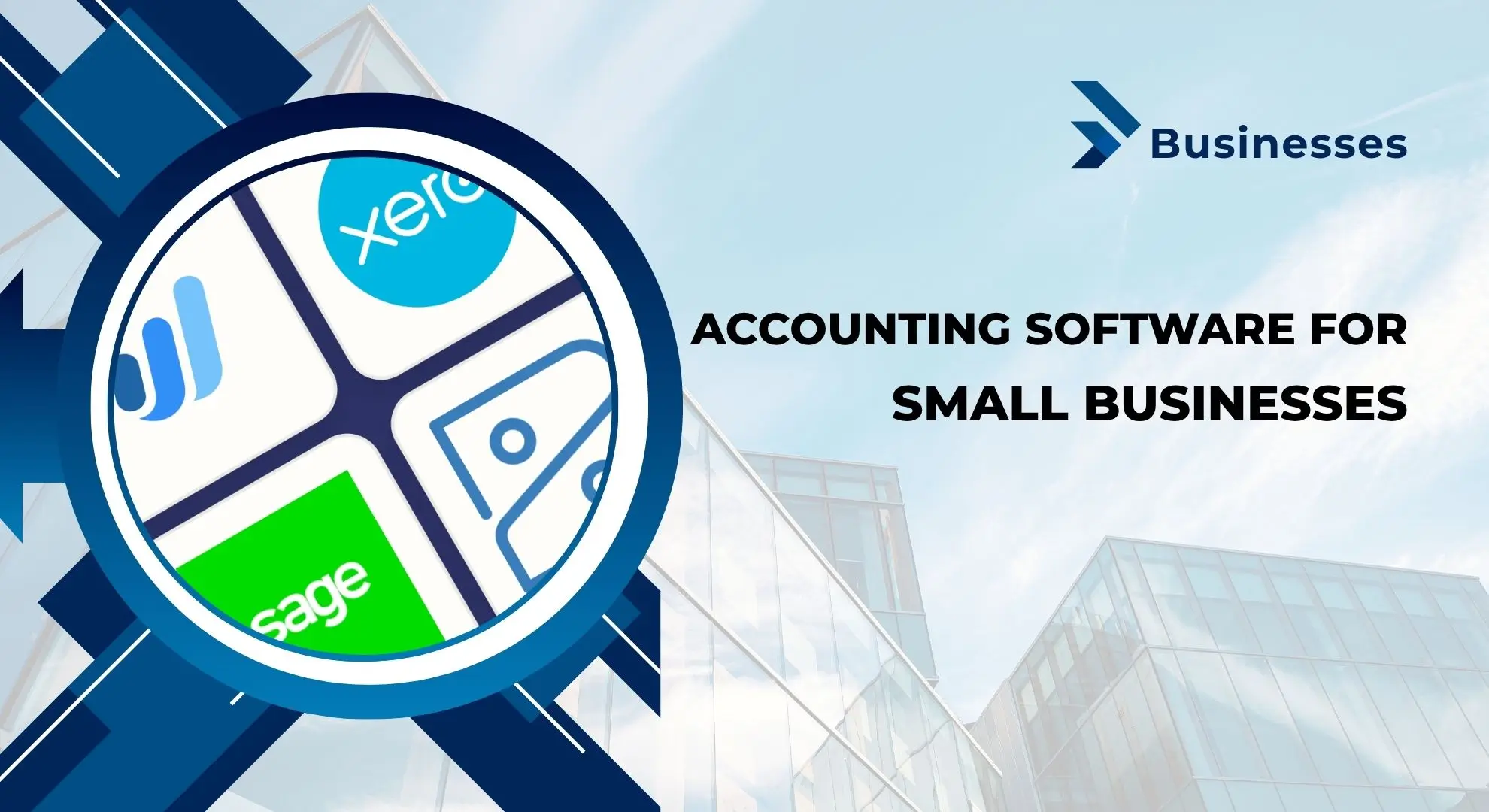
10 Accounting Software For Small Businesses in UAE 2027. Choosing the right accounting software can make daily business finance much easier. For small businesses in the UAE, good accounting software can help with invoicing, expenses, bank reconciliation, VAT records, financial reports, payroll, and cash-flow tracking. Instead of managing everything manually, businesses can use digital tools to save time and reduce common accounting mistakes.
The UAE has a growing market for cloud-based accounting and business software. This growth has also created many choices for business owners. However, not every accounting platform is suitable for every company. A freelancer may need simple invoicing and expense tracking, while a growing company may need inventory, payroll, multi-currency support, and advanced reporting.
In this guide, we will discuss the 10 best accounting software for small businesses in the UAE, their main features, advantages, disadvantages, and the type of business they may suit.
Best Accounting Software for Small Businesses in UAE
Here are some popular accounting and business management platforms that UAE businesses can consider:
| Software | Best For | Key Strength |
|---|---|---|
| Zoho Books | Small businesses and startups | Automation and VAT features |
| QuickBooks Online | Growing small businesses | Invoicing and bookkeeping |
| TallyPrime | Trading businesses | Accounting and inventory |
| Odoo | Growing businesses | Modular ERP |
| Xero | Cloud-based accounting | Collaboration and integrations |
| Oracle NetSuite | Larger growing companies | Advanced ERP |
| Sage X3 | Mid-sized businesses | Financial and business management |
| Infor | Industry-focused businesses | ERP and advanced functions |
| SAP ERP | Large businesses | Enterprise management |
| Wave | Freelancers and micro-businesses | Simple accounting and invoicing |
Important: Features, plans, pricing, tax support, and availability can change over time. Always check the provider’s current UAE offering before purchasing a subscription.
Read Also: Uniqlo UAE : Complete Guide to Stores, Online Shopping And Buying Guide
1. Zoho Books
Zoho Books is one of the popular accounting platforms for small and growing businesses. It provides tools for managing invoices, expenses, banking, inventory, reports, and other financial tasks from one platform.
For a small UAE business, one of the biggest advantages of cloud accounting is accessibility. Business owners and accountants can access financial information from different devices instead of depending on one office computer.
Zoho Books can also help businesses automate repetitive accounting work. This can be useful when a company has regular invoices, expenses, customer payments, and bank transactions.
Main Features
- Online invoicing
- Expense management
- Bank feeds and reconciliation
- Financial reports
- Inventory management
- Multi-currency support
- Automation
- Customer and vendor management
- VAT-related accounting features
- Mobile access
- Integration with other business applications
Pros of Zoho Books
- Easy interface for many small businesses
- Good automation options
- Cloud-based access
- Useful integrations
- Suitable for startups and growing businesses
- Supports multiple currencies
Cons of Zoho Books
- Some advanced features may require higher plans
- Large enterprises may need a more powerful ERP system
- Customization can become complex for advanced requirements
Who Should Choose Zoho Books?
Zoho Books can be a strong option for startups, freelancers, service companies, online businesses, and small trading companies that want accounting software without the complexity of a large ERP.

2. QuickBooks Online
QuickBooks is one of the best-known accounting software brands for small and growing businesses. QuickBooks Online provides tools for bookkeeping, invoicing, expenses, reports, bank reconciliation, and financial management.
Its simple dashboard makes it easier for business owners to understand their financial position without being accounting experts. It can also connect with other business applications, which can reduce manual data entry.
For UAE businesses, it is important to select the appropriate regional version and check that the features you need support your UAE tax and accounting requirements.
Main Features
- Invoicing
- Expense tracking
- Bank reconciliation
- Financial reports
- Cash-flow tracking
- Inventory management
- Multi-device access
- Time tracking on supported plans
- Business integrations
- Automated bookkeeping features
Pros of QuickBooks
- Easy to learn
- Well-known accounting platform
- Useful financial reports
- Good integration options
- Suitable for growing companies
- Cloud-based access
Cons of QuickBooks
- User limits can vary by plan
- Advanced functions may require higher plans
- Subscription costs can increase as requirements grow
- Not every business needs all available features
Who Should Choose QuickBooks?
QuickBooks can be suitable for small businesses, consultants, agencies, service providers, and growing companies that want straightforward bookkeeping and invoicing.
3. TallyPrime
TallyPrime has been widely used by businesses that need traditional accounting combined with inventory and business management features. It is particularly familiar to many businesses in the trading and distribution sector.

TallyPrime can manage accounting, inventory, banking, reporting, and tax-related processes. Its strong accounting and inventory functions can be useful for businesses that deal with large numbers of products and transactions.
Main Features
- Accounting
- Invoicing
- Inventory management
- Banking
- Financial reports
- Tax management
- Purchase and sales management
- Multi-company functions
- Multi-location support
- Excel import and export
Pros of TallyPrime
- Strong accounting functions
- Good inventory management
- Suitable for small and medium-sized businesses
- Familiar to many accountants
- Supports multiple business processes
Cons of TallyPrime
- Beginners may need some training
- The interface may feel less modern to users coming from newer cloud platforms
- Advanced customization may require professional support
Who Should Choose TallyPrime?
TallyPrime is worth considering for trading companies, wholesalers, distributors, retailers, and businesses that need detailed inventory control alongside accounting.

4. Odoo
Odoo is different from a basic accounting application because it works as a modular business management and ERP platform. Businesses can start with accounting and later add other applications as they grow.
For example, a company may use accounting today and later add inventory, sales, CRM, purchasing, website, e-commerce, or project management.
This modular approach can be useful for growing businesses that do not want to operate many disconnected systems.
Main Features
- Accounting
- Invoicing
- Electronic invoicing
- Bank synchronization
- Automated follow-ups
- Real-time reporting
- Inventory management
- CRM
- Sales management
- Purchasing
- Project management
- Business automation
Pros of Odoo
- Modular structure
- Many business applications
- Flexible
- Can grow with the company
- Useful for businesses wanting an integrated system
Cons of Odoo
- Implementation can become complicated
- Customization may require technical expertise
- The final cost depends on modules and implementation
- Small businesses may not need all its functions
Who Should Choose Odoo?
Odoo can be a good choice for growing businesses that want accounting connected with sales, inventory, CRM, purchasing, and other business operations.

5. Xero
Xero is a cloud-based accounting platform known for its clean interface and strong integration ecosystem. It is designed to help businesses manage financial tasks online while allowing accountants and team members to collaborate.
One major advantage of cloud accounting is that business data can be accessed from different locations. This is especially useful for companies with remote teams or external accountants.
Main Features
- Online invoicing
- Bank connections
- Bank reconciliation
- Financial reporting
- Expense management
- Multi-currency accounting
- Inventory features
- Project tracking
- Business integrations
- Mobile access
Pros of Xero
- Cloud-based
- Easy collaboration
- Strong app integrations
- Good reconciliation tools
- Regular software updates
- Useful for businesses working with accountants
Cons of Xero
- Pricing varies by plan and region
- Some advanced features require additional plans or applications
- Businesses with very complex requirements may need an ERP
Who Should Choose Xero?
Xero can be suitable for service companies, agencies, consultants, online businesses, and small companies that value cloud access and collaboration.
6. Oracle NetSuite ERP
Oracle NetSuite is a much more advanced business management platform than a simple small-business accounting application. It is designed for companies that need accounting combined with broader ERP functions.
NetSuite can manage areas such as financial management, inventory, order management, procurement, supply chain, and other business operations.
For a very small business, this level of functionality may be unnecessary. However, for a growing company with complex operations, an ERP can provide a central system for business information.
Main Features
- Financial management
- Accounting
- Inventory management
- Order management
- Procurement
- Supply chain management
- Business reporting
- Financial planning
- Multi-entity management
- Business analytics
Pros of NetSuite
- Advanced financial management
- Highly scalable
- Strong ERP capabilities
- Suitable for complex organizations
- Centralized business information
Cons of NetSuite
- Higher implementation cost
- Requires proper training
- More complex than basic accounting software
- May be excessive for a micro-business
Who Should Choose NetSuite?
NetSuite is better suited to fast-growing companies, multi-entity businesses, and organizations that need an ERP system rather than basic bookkeeping software.
7. Sage X3
Sage X3 is an enterprise resource planning solution designed to help businesses manage finance and wider business operations. It provides tools for financial management, supply chain, production, purchasing, and other processes.

Although it may not be the first choice for a very small company, it can become relevant when a business grows and requires more advanced management systems.
Main Features
- Financial management
- Accounting
- Purchasing
- Inventory
- Supply chain management
- Production management
- Reporting
- Multi-company capabilities
- Multi-country support
- Business process management
Pros of Sage X3
- Advanced functionality
- Scalable
- Strong business management features
- Suitable for complex operations
- Useful for larger organizations
Cons of Sage X3
- Not the easiest platform for beginners
- Implementation can require professional support
- May be too advanced for a micro-business
- Total costs can be higher than basic accounting software
Who Should Choose Sage X3?
Sage X3 is more appropriate for mid-sized and larger businesses with complex financial, manufacturing, distribution, or supply chain needs.
8. Infor
Infor provides cloud-based business applications designed for different industries. Its solutions can support financial management, expenses, reporting, project costing, billing, and other business processes.
One of the strengths of an industry-focused ERP is that companies can select tools according to their business operations.
Main Features
- Financial management
- Expense management
- Reporting
- Project costing
- Billing
- Procurement
- Cloud-based business management
- Industry-specific applications
- Data management
Pros of Infor
- Advanced ERP capabilities
- Industry-focused solutions
- Cloud-based options
- Strong customization possibilities
- Suitable for complex organizations
Cons of Infor
- Can be expensive for small businesses
- Implementation may require expert assistance
- Smaller companies may not need its full functionality
Who Should Choose Infor?
Infor is more suitable for medium-sized and larger companies that need industry-specific ERP functionality rather than simple accounting.

9. SAP ERP
SAP is one of the world’s best-known enterprise software providers. Its ERP solutions combine financial management with areas such as human resources, sales, supply chain, procurement, and other business functions.
SAP can be very powerful, but it is generally designed for organizations with more complex requirements.
For a small business that only needs invoices, expenses, bank reconciliation, and basic reports, SAP may be more than necessary. However, it can become relevant as an organization expands.
Main Features
- Financial accounting
- Management accounting
- Sales management
- Procurement
- Materials management
- Human resources
- Business reporting
- Analytics
- Supply chain management
Pros of SAP
- Powerful enterprise functionality
- Strong reporting
- Excellent scalability
- Supports complex organizations
- Integrates different business functions
Cons of SAP
- High implementation cost
- Requires trained users
- More complex than small-business accounting software
- May not be practical for a small company
Who Should Choose SAP?
SAP is mainly appropriate for large enterprises and businesses with complex operations, multiple departments, or significant growth plans.

10. Wave Accounting
Wave is designed with freelancers, entrepreneurs, contractors, and small businesses in mind. Its simple approach makes it attractive to users who do not need a large ERP system.
Wave can help with basic accounting, invoicing, and payment-related tasks. However, businesses in the UAE should carefully check the current availability of each feature in their country before relying on the platform for their complete accounting and tax workflow.
Main Features
- Bookkeeping
- Invoicing
- Expense tracking
- Payments
- Financial reports
- Accounting dashboard
- Payroll features where available
- Accountant collaboration
Pros of Wave
- Simple interface
- Easy invoicing
- Suitable for small businesses
- Useful for freelancers
- Easy to understand
Cons of Wave
- Some features vary by country
- Bank connections may not work with every institution
- Advanced ERP functions are not its main focus
- Businesses with complex UAE requirements may need another platform
Who Should Choose Wave?
Wave may be useful for freelancers, consultants, contractors, and very small businesses with straightforward accounting needs, subject to current UAE feature availability.

Popular Accounting Software for Different Business Needs
There is no single accounting software that is perfect for every UAE business. Your best option depends on the size of your company, industry, number of users, transactions, and future plans.
| Business Need | Software to Consider |
| Simple small-business accounting | Zoho Books, QuickBooks |
| Freelancers | Wave, Zoho Books |
| Trading and inventory | TallyPrime, Odoo |
| Cloud collaboration | Xero, QuickBooks, Zoho Books |
| Integrated ERP | Odoo |
| Growing enterprise | NetSuite |
| Complex operations | SAP, Infor, Sage X3 |
| Mid-sized business | Sage X3, Odoo |
| Multi-function business management | Odoo, NetSuite |

Key Benefits of Accounting Software for UAE Businesses
Accounting software does more than create invoices. A good platform can become an important part of daily business operations.
1. Get Real-Time Financial Information
- Manual accounting can make it difficult to understand your current financial position. Cloud accounting software can bring transactions, invoices, expenses, and bank information together.
- This allows business owners to review financial information more quickly and make better business decisions.
2. Make VAT Records Easier
- VAT is an important part of business accounting in the UAE. Proper accounting software can help organize sales, purchases, tax amounts, and financial records.
- However, software does not replace professional tax advice. Businesses should make sure their accounting setup matches the latest UAE tax rules and their specific situation.
3. Save Time
Creating invoices manually, entering expenses, and checking transactions can take many hours. Automation can reduce repetitive work. Depending on the software, businesses can automate:
- Recurring invoices
- Payment reminders
- Bank transaction imports
- Expense records
- Reconciliation
- Financial reports
- Customer statements
4. Reduce Manual Errors
- Manual data entry can result in mistakes. When information is entered incorrectly, it can affect reports and financial decisions.
- Accounting software can reduce some of these errors by automating calculations and connecting different financial processes.
5. Improve Cash-Flow Management
Cash flow is one of the biggest concerns for small businesses. Accounting software can help you see:
- Money received
- Money owed
- Outstanding invoices
- Business expenses
- Upcoming payments
- Bank balances
This can help business owners identify cash-flow problems earlier.
6. Access Your Business From Anywhere
- Cloud-based accounting software allows authorized users to access financial information through supported devices and internet connections.
- This can be useful for UAE businesses where owners, accountants, and employees may work from different locations.
7. Better Financial Reports
Reports help turn accounting data into useful business information. Depending on the platform, you may get reports such as:
- Profit and loss statement
- Balance sheet
- Cash-flow statement
- Accounts receivable
- Accounts payable
- Sales reports
- Expense reports
- Tax reports
- Inventory reports
Why Cloud Accounting Is Important for Small Businesses in UAE
Cloud accounting has changed how many businesses manage their finances. Instead of installing software on one computer and maintaining everything locally, cloud platforms allow businesses to work through online systems. For small businesses, this can provide several advantages.
Flexible Access
You can access your accounting system from different locations, depending on the software and user permissions.
Automatic Updates
Cloud platforms are normally maintained by the provider, which can reduce the need for businesses to manually install updates.
Easier Collaboration
Business owners can give accountants or employees appropriate access without sharing physical accounting files.
Lower Infrastructure Needs
A cloud system may reduce the need for businesses to maintain their own accounting servers and hardware.
How to Choose the Right Accounting Software in UAE
Choosing accounting software should not be based only on price. The cheapest platform may not provide the features your business needs. Before selecting software, consider the following points.
1. Check UAE Tax and VAT Support
- First, check whether the software can support your UAE accounting and tax requirements.
- Do not assume that a popular international accounting platform automatically meets every requirement for your business.
2. Consider Your Business Size
A freelancer does not need the same system as a company with 100 employees.
- For a small business, simple software may be better because employees can learn it quickly.
- For a growing company, scalability becomes more important.
3. Check the Pricing Structure
Look at the complete cost rather than only the starting price. Consider:
- Monthly subscription
- Annual subscription
- Number of users
- Additional modules
- Payroll costs
- Inventory features
- Integration costs
- Setup and implementation
- Accountant access
- Customer support
4. Look at Integration Options
- A business may use different systems for payments, e-commerce, CRM, payroll, inventory, and sales.
- Accounting software with useful integrations can reduce duplicate data entry and make business operations smoother.
5. Check Ease of Use
- A platform with hundreds of features is not necessarily the best choice.
- If your employees find the software difficult to use, you may spend more time on training and fixing mistakes.
- Choose software that offers clear navigation and a dashboard your team can understand.
6. Check Security Features
- Financial information is sensitive. Before choosing software, review its security features, access controls, backup practices, authentication options, and data protection policies.
7. Think About Future Growth
Your business may be small today but much larger in a few years. Choose software that can grow with your business if you expect:

- More employees
- More customers
- More invoices
- More inventory
- Multiple locations
- Multiple currencies
- Multiple entities
Accounting Software vs ERP Software: What Is the Difference?
Many people use the terms accounting software and ERP interchangeably, but they are not always the same.
Accounting software mainly focuses on financial activities such as:
- Bookkeeping
- Invoicing
- Expenses
- Bank reconciliation
- Financial reports
- Tax records
An ERP system connects accounting with other business departments, such as:
- Inventory
- Sales
- Purchasing
- Human resources
- Manufacturing
- Supply chain
- Customer management
For a small business, accounting software may be enough. As a business becomes more complex, an ERP system may become more useful.
Common Mistakes to Avoid When Choosing Accounting Software
Choosing software without checking your actual needs can create problems later.
Choosing Only Based on Price
A cheap plan may not include the features your business needs. Always compare price with value.
Buying Too Many Features
On the other hand, paying for an advanced ERP when you only need basic accounting can waste money.
Ignoring VAT Requirements
A UAE business should make sure its accounting process can properly support its tax and record-keeping obligations.
Not Checking Integrations
If your accounting system cannot connect with important business tools, you may have to enter the same data several times.
Forgetting User Training
Even good software will not deliver results if your team does not know how to use it.
Not Planning for Growth
Changing accounting systems every year can be expensive and disruptive. Consider your expected growth before making a final decision.
FAQs
What is the best accounting software for small businesses in UAE?
Ans: There is no single best option for every business. Zoho Books, QuickBooks, Xero, and TallyPrime can be considered by many small businesses, while Odoo can be useful for companies that need broader ERP functionality.
Which accounting software is best for UAE VAT?

Ans: The right choice depends on the company’s needs and current software configuration. Businesses should check the latest UAE VAT-related features and make sure their accounting process follows current Federal Tax Authority requirements.
Is cloud accounting better for small businesses?
Ans: Cloud accounting can be useful because it provides flexible access, easier collaboration, regular updates, and automation. However, the best option depends on the company’s size, budget, internet access, and accounting requirements.
Is TallyPrime good for UAE businesses?
Ans: TallyPrime can be useful for businesses that need accounting and inventory management. It is especially worth considering for trading and distribution businesses.
Is QuickBooks good for small businesses?
Ans: QuickBooks can be a good option for small and growing businesses that need invoicing, expense tracking, bookkeeping, bank reconciliation, and financial reporting.
Is Zoho Books suitable for startups?
Ans: Yes. Zoho Books can be suitable for startups because it offers accounting, invoicing, expense management, automation, and other business features. Startups should select a plan that matches their actual requirements.
Should a small business use ERP software?
Ans: Not always. A small business with straightforward accounting may only need accounting software. ERP becomes more valuable when the company needs to connect accounting with inventory, sales, purchasing, CRM, manufacturing, or other departments.
What should I check before buying accounting software in UAE?
Ans: Check VAT and tax support, price, number of users, integrations, security, reporting, ease of use, customer support, scalability, and whether the software fits your industry.
Conclusion
The right accounting software can make a major difference in how a small business manages its finances. Instead of spending hours on manual calculations and spreadsheets, businesses can use digital tools for invoicing, expenses, bank reconciliation, reporting, inventory, and other financial tasks.



About The Author