DU Balance Check Online In UAE 2026: A Complete Guide To Prepaid & Postpaid Codes, SMS And App
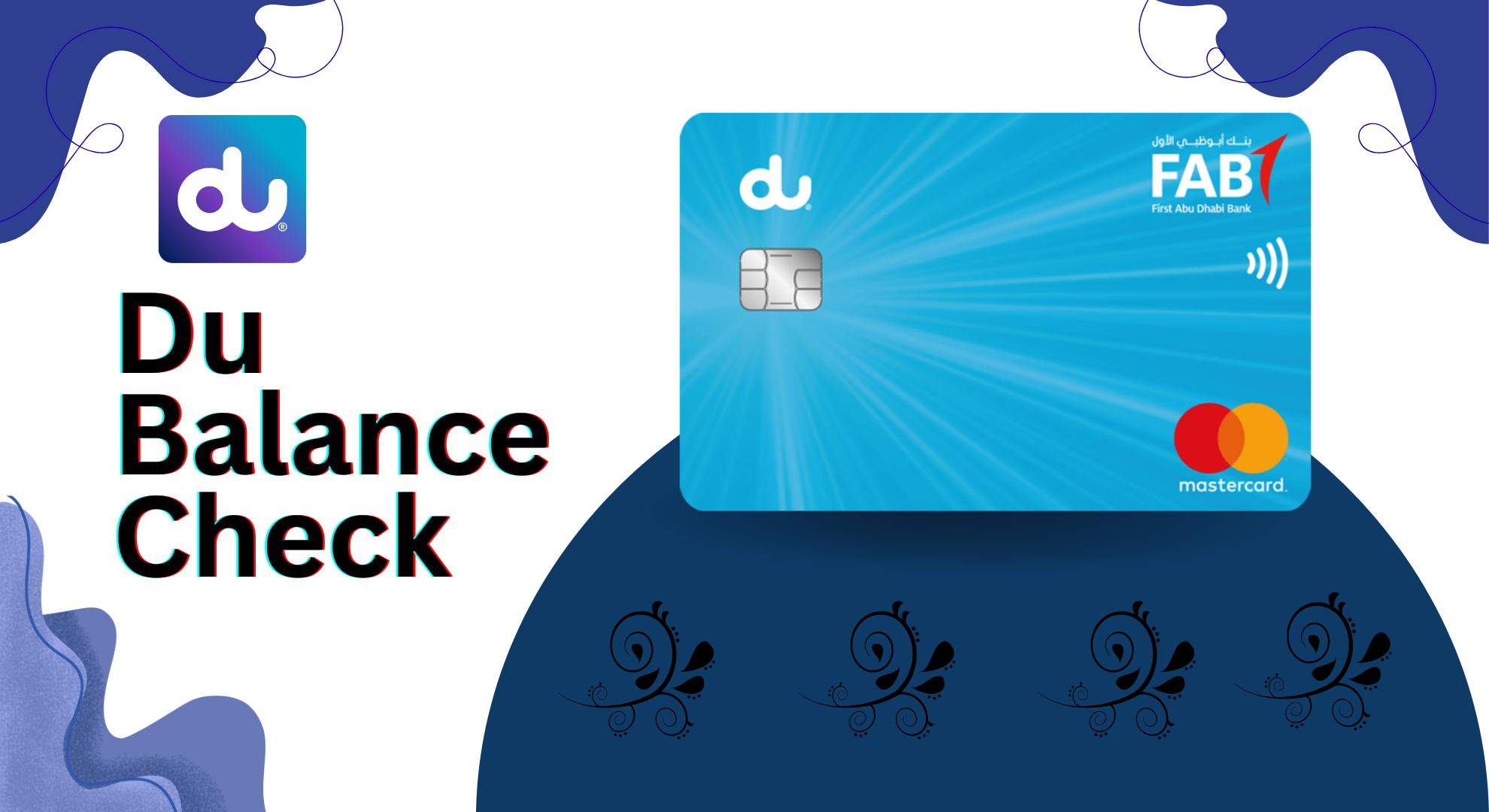
DU Balance Check Online In UAE 2026. Checking your mobile balance on time is very critical, especially when you live in the UAE and use DU services for calls, SMS, and the internet. Whether you are a DU prepaid or postpaid user, knowing the right DU balance check code UAE, DU balance check number, DU balance check by SMS, DU data balance check, or DU balance check through the app can save you from sudden service issues and extra charges.
In this complete guide, I will explain all working methods to check DU balance including USSD codes, SMS options, customer care numbers, DU app, website, chatbot, and postpaid or prepaid balance checks.
What is DU Telecom?
DU (Emirates Integrated Telecommunications Company) is one of the leading telecom providers in the UAE.
A Little Bit About DU
Established in 2006, DU has worked hard to provide top-quality services to people living in Dubai, Abu Dhabi, and other Emirates.
DU offers:
- Mobile calling services
- Mobile internet and data plans
- Broadband internet
- IPTV services
- Corporate and satellite services
DU is also known as a data hub and provides reliable balance checking, billing, and transfer services.
Types of Du Balance You Can Check
Before moving to methods, it is important to understand what balance means on Du.
You can check:
- Main credit balance
- Data balance
- Free minutes
- SMS balance
- Remaining validity
- Postpaid usage and bill amount
Each type has a slightly different method.
Why Du Balance Check Is Important
Many users ignore balance checks until their data or credit runs out. That often causes call drops, internet cuts, or extra charges.
Checking your balance helps you:
- Avoid sudden service interruption
- Track data usage
- Control monthly spending
- Choose the right package
- Recharge on time
Du makes balance checking easy. You can do it by code, SMS, app, website, or call.
DU Balance Check Using the Website
For all DU users in the UAE, the DU website is one of the best ways to check their balance. Its easy-to-use interface allows you to quickly access your account details easily and with confidence.
Steps to Check Balance via Du Website:
- Visit the Du Website – Open the official Du website to get started.
- Log In – Click on “Log In” and enter your account credentials.
- Navigate to My Account – Once logged in, go to the section labeled “My Account”.
- Check Balance Details – Here, you can view your current DU balance along with other relevant account information.
Du Balance Check By DU App
The DU Mobile App is one of the easiest and most reliable ways to check your DU balance. Along with your balance, it also provides detailed information about your account, giving you complete peace of mind.
Steps to Check Your Balance:

- Download the DU App: Get the app from the Apple App Store or Google Play Store to start managing your account.
- Login or Register: Open the app and log in using your DU credentials. If you are a first-time user, you will need to register with your DU number.
- Navigate to Account Summary: After logging in, go to the “Account Summary” section.
- View Your Balance: Your current DU balance will be displayed on the screen. You can also see other important account details, including data usage, minutes, and plan information.
The DU app makes balance checking quick, convenient, and hassle-free, ensuring you stay in control of your mobile account at all times.
Du Balance Check Code UAE (USSD)
This is the most common and fastest method.
How to Check Du Balance Using Code
- Open your phone dial pad
- Dial *135#
- Press call
- Follow on-screen options
Your balance and usage details will appear instantly.
Why This Method Is Popular
- Works without internet
- Free of cost
- Works on all phones
- Very fast
This method is available for both prepaid and postpaid users.
Du Balance Check Number (Customer Support)
If you prefer voice assistance, Du offers customer support.
- Dial 155 from your Du number
- Follow IVR instructions
- Choose balance or usage option
- Speak to an agent if needed
This method is useful if:
- You have account issues
- Your balance is not showing
- You need detailed usage explanation

Du Balance Check by SMS
One of the easiest and fastest ways to check your DU balance is by sending an SMS to 1355.
- Open your phone’s Messages app.
- Type “BAL” or “Balance” and send it to 1355.
- Within seconds, you will receive an SMS showing your remaining data balance.
You will receive an SMS with:
- Remaining credit
- Data balance
- Validity details
Why This Method is Recommended: It is simple, works for both prepaid and postpaid users, and doesn’t require an internet connection, making it a reliable choice for quick balance checks.
Du Balance Check Code Free
All official Du balance check methods are free.
Free methods include:
- *135# USSD
- SMS to 1355
- Du App
- Du Website
- Customer care IVR
You do not need extra credit to check your balance.
Use DU Chatbot For Quick Balance Checks
DU’s chatbot is a convenient tool to get instant answers to your queries. To check your balance:
- Open the DU App or visit the DU website.
- Log in to your account.
- Type “Check Data Balance” in the chatbot.
The chatbot will immediately display your current balance. It’s available 24/7, making it a fast and reliable way to stay updated anytime, anywhere.

How to Check DU Data Balance
Keeping track of your DU data balance ensures you never run out of internet unexpectedly. Whether you are a prepaid or postpaid user, DU provides multiple easy methods to check your data balance.
For DU Prepaid Users
If you have a DU prepaid SIM, you can check your remaining data using the following methods:
Method 1: USSD Code
- Dial *102# from your DU prepaid SIM.
- Your current data balance will appear on the screen instantly.
Method 2: DU Web Portal
- Log in to your account on the DU official website.
- Go to “My Account” to view your remaining data balance.
Method 3: DU Mobile App
- Download the DU Mobile App on your smartphone.
- Log in to your account and navigate to “My Account” to see your data balance in real time.
For DU Postpaid Users
Postpaid users can also track their data usage easily through multiple methods:
Method 1: SMS
- Type “Rewards” and send it to 1233.
- You will receive an SMS containing your DU balance and remaining data.
Method 2: DU Web Portal
- Log in to your DU account on the DU website.
- Visit “My Account” to check your postpaid data balance.
Method 3: DU Mobile App
- Download the DU App and log in.
- Navigate to “My Account” to view your remaining postpaid data conveniently.
By using any of these methods, you can quickly and easily check your remaining DU data balance whether you are a prepaid or postpaid user and plan your usage accordingly.
Du Balance Check Data
Data balance is the most searched feature.
How to Check Du Data Balance
Prepaid users
- Dial *102#
- Use Du App
- Login on Du website
Postpaid users
- Send Rewards to 1233
- Check in Du App
- Web portal login
Data balance shows:
- Remaining MB or GB
- Expiry date
- Daily usage
Du Balance Check by SMS Number
This method is best for quick checks.
| Purpose | SMS Code | Number |
|---|---|---|
| Main balance | BAL | 1355 |
| Usage info | Rewards | 1233 |
| Out of credit | Balance | 1080 |
SMS reply is instant and easy to read.

Du Out of Credit Balance Check
If your balance is low, Du offers out-of-credit services.
Steps
- Send Balance to 1080
- Or dial *108#
- Select other options
- Choose check balance
You can see:
- Borrow amount
- Due date
- Amount to repay
Post Call Notification Service
Some Du users activate post-call notifications.
After every call, you receive:
- Remaining balance
- Remaining minutes
This service is useful for prepaid users who make frequent calls.
Easy Prepaid Line Balance Check
Du Easy Prepaid plans include eSIM options.
Balance Check Methods
- Dial *135#
- Du App login
- SMS BAL to 1355
These plans often include special app-only offers.
Flexi Prepaid Plan Balance
Du Flexi Prepaid gives flexible data and minutes.
How to Check Flexi Balance
- Dial *135#
- Use Du App
Flexi users also get free data with UAE Pass activation.
New Daily Data Bundles Balance
Du Daily Data Bundles offer short-term data plans.
Balance Check
- SMS BAL to 1355
You will also receive alerts at:
- 100 MB remaining
- 10 MB remaining
- 0 MB remaining
The Power Plans Remaining Units
The Power Plans offer free units and data.
How to Check
- SMS Rewards to 1233
- Login to Du App
- Login on Du website
Du Balance Check Using Du App
The Du App is the most complete tool.

Steps
- Download Du App from Play Store or App Store
- Login or register
- Open My Account
- View balance, data, and usage
Benefits of Du App
- Real-time updates
- Usage history
- Plan activation
- Recharge options
Why Monitoring Du Balance Matters
Regular balance checks help you:
- Avoid extra charges
- Control usage
- Choose better plans
- Recharge smartly
Users who monitor usage spend less monthly.
Du Proactive Notifications
Du sends automatic alerts at:
- 50% usage
- 80% usage
- 100% usage
These alerts help you plan recharges on time.
Du Balance Enquiry Summary Table
| Method | Code / Tool | Result |
|---|---|---|
| USSD | *135# | Instant balance |
| SMS | BAL to 1355 | Balance details |
| App | Du App | Full usage |
| Call | 155 | Support help |
| Website | My Account | Usage & bills |
How to Recharge Your DU SIM Card
Recharging your DU SIM card is simple and can be done in several convenient ways. Whether you are using prepaid or postpaid, here are the main methods:
1. Recharge via DU Quick Recharge
DU Quick Recharge is the fastest way to top up your SIM online. Follow these steps:
- Visit the official DU website.
- Click on “Quick Recharge” in the header menu.
- Enter your mobile number.
- Click Next.
- Enter the amount you want to recharge.
- Choose your payment method, such as a credit or debit card.
- Enter your card details and confirm the payment.
Your DU SIM card will be recharged instantly, and you can continue using your data, calls, and bundles without interruption.
2. Recharge via Balance Transfer
You can also recharge your DU SIM using another DU number. This is perfect when a friend or family member wants to transfer balance to you. Steps:
- Open the dial pad on your mobile phone.
- Dial *121RecipientNumberAmount in AED# from the DU SIM that will transfer the balance.
- Press 1 to confirm the transfer.
The amount will be credited immediately to the recipient’s DU SIM.
3. Recharge via Third-Party Apps or Websites
Several online apps and websites let you recharge your DU SIM quickly, including Supercharge, Ding, SEADM, and Recharge. Steps are similar across platforms:
- Download and open one of the apps.
- Register with your mobile number.
- Find the top-up or recharge option.
- Enter your mobile number again.
- Select the amount to recharge.
- Choose your payment method.
- Confirm your payment details.
- Your DU SIM will be recharged instantly.
Common Problems and Fixes
| Issue | Solution |
|---|---|
| USSD not working | Restart phone |
| SMS not received | Check network |
| App not loading | Update app |
| Balance mismatch | Contact support |
Tips for Managing DU Data Usage Effectively
To avoid running out of data unexpectedly, it’s important to manage your DU data usage wisely. Here are some effective tips:
- Monitor Usage Regularly: Keep an eye on your data balance using the DU app, USSD codes, or SMS methods. Regular monitoring helps prevent surprises.
- Set Data Alerts: Most smartphones allow you to set usage notifications. Get alerts when you reach a certain limit to stay in control.
- Use Wi-Fi Whenever Possible: For data-heavy activities like video streaming or downloading large files, connect to Wi-Fi to save your mobile data.
- Limit Background Data: Restrict apps that consume data in the background unnecessarily. This ensures your data lasts longer.
By following these simple tips, you can manage your DU data efficiently, avoid extra charges, and make the most out of your plan.
FAQs About DU Balance Check
What is the DU balance check code for prepaid users?

Ans: The USSD code for DU prepaid balance check is: *135# – Dial this on your DU SIM and follow the on-screen instructions.
How can I check my DU postpaid balance?
Ans: You can check DU postpaid balance via:
- SMS: Send “Rewards” to 1233
- DU App: Log in → My Account → Balance
- DU Website: Login → My Account
How do I check DU balance by SMS for free?
Ans: Send “Bal” or “Balance” to 1355. This method is free and works for both prepaid and postpaid users.
Can I check DU data balance online?
Ans: Yes, you can check your DU data balance via:
- DU App (Android / iOS) → My Account → Usage
- DU Web Portal → My Account → Usage
What is the DU USSD code to check balance?
Ans: The USSD code for balance check is: *135# Works for prepaid, postpaid, and most DU plans.
How can I know my remaining daily data bundle balance?
Ans: Send “Bal” to 1355. You will also receive notifications when your data reaches:
- 100MB remaining
- 10MB remaining
- 0MB remaining
How do I check DU balance for out-of-credit services?
Ans: SMS “Balance” to 1080 Or dial *108#, reply 5 → Other Options, then 2 → Check Balance
How do I check DU balance using the DU App?
Ans:
- Download the DU App
- Log in to your account
- Go to My Account → Usage
- You can see your data, minutes, and balance
Is there a way to check DU balance by calling customer service?
Ans: Yes, dial 155 from your DU number. You can either:
- Follow automated instructions
- Speak to a representative to get your balance
How can I check DU postpaid balance via SMS?
Ans: Send “Rewards” to 1233. You will receive your current balance, remaining data, and minutes.
Does DU send notifications for balance usage?
Ans: Yes, DU sends automatic alerts when you reach:
- 50% usage
- 80% usage
- 100% usage
Conclusion
Checking your DU balance regularly helps you stay connected without trouble. DU offers many simple options for both prepaid and postpaid users, including a *135# USSD code, SMS balance check by sending Bal to 1355, DU mobile app, official website, customer care, and chatbot support. You can easily track data, minutes, bundles, and plans. Regular balance checks help avoid extra charges, manage usage better, and recharge on time across the UAE.




About The Author