Al Ansari Balance Check Online UAE 2026: A Complete Guide To Salary, PayPlus And Payroll Card
Al Ansari Balance Check is widely used in the UAE by employees who receive salaries through PayPlus payroll cards. Before withdrawing cash, paying rent, or sending money home, workers need to confirm if their salary has been credited. Al Ansari Exchange offers multiple balance check options, including online balance check, mobile app, ATM enquiry, PayPlus card portal, SMS service, and customer support number.
This guide explains Al Ansari balance check online UAE, PayPlus card balance check, salary card balance enquiry, and ATM methods clearly. Both a newcomer and regular employees can safely check their balance, understand fees and manage their salary without visiting a branch.
What Is Al Ansari Exchange and the PayPlus Salary Card?
Al Ansari Exchange is one of the largest exchange houses in the UAE. It provides payroll services under the Wages Protection System. The salary solution follows rules set by Ministry of Human Resources & Emiratisation.
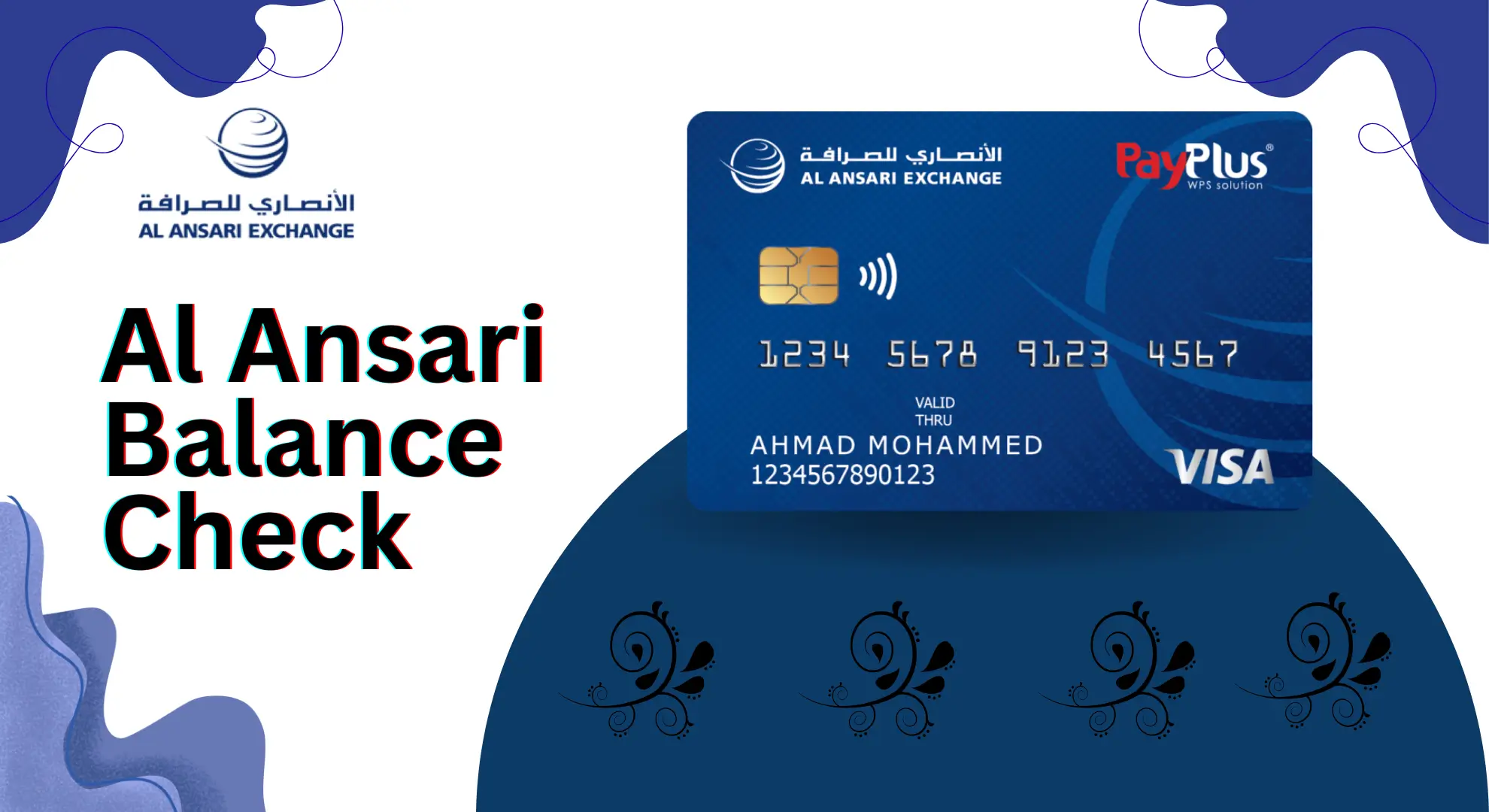
Al Ansari issues PayPlus salary cards, powered by Visa. These cards help companies pay salaries safely and on time. Workers do not need a bank account.
Note: A PayPlus card is not a bank debit card. It is a salary payroll card used only for wages and daily spending.
Why Al Ansari Balance Check Is Important
Checking your balance matters. Many workers depend on their salary for rent, food, travel, and family transfers.
Main Reasons
- Confirm salary is credited
- Avoid ATM declines
- Plan monthly budget
- Send money home on time
- Track spending after withdrawals
When you know your balance early, you stay in control.
Types of Al Ansari Balance Check Methods
There are several easy ways to check your salary balance:
- Al Ansari balance check online
- Al Ansari salary card balance check via app
- ATM balance check across UAE
- PayPlus card balance check online
- SMS balance check
- Customer service helpline
Each method suits a different need. I explain all below.
Al Ansari Exchange Services
Al Ansari Exchange is a trusted financial service provider in the UAE. Millions of individuals and businesses use its services every day.
Main Services Include:
- Currency Exchange: Get competitive exchange rates for international currencies.
- Remittance Services: Send money safely and quickly to different countries worldwide.
- Payroll Solutions: Easy and secure salary payment systems for companies and employees.
- Prepaid Cards: Convenient cards for daily use, including the PayPlus salary card.
With reliable services and wide coverage, Al Ansari Exchange is a preferred choice for managing both personal and business finances in the UAE.

Al Ansari Salary Card Balance Check Online (Official Website)
This is the most used method. It works well for workers with internet access.
Who Should Use This
- Salary card holders in UAE
- Smartphone or computer users
- First-time salary check
- Monthly salary confirmation
Step-by-Step Process
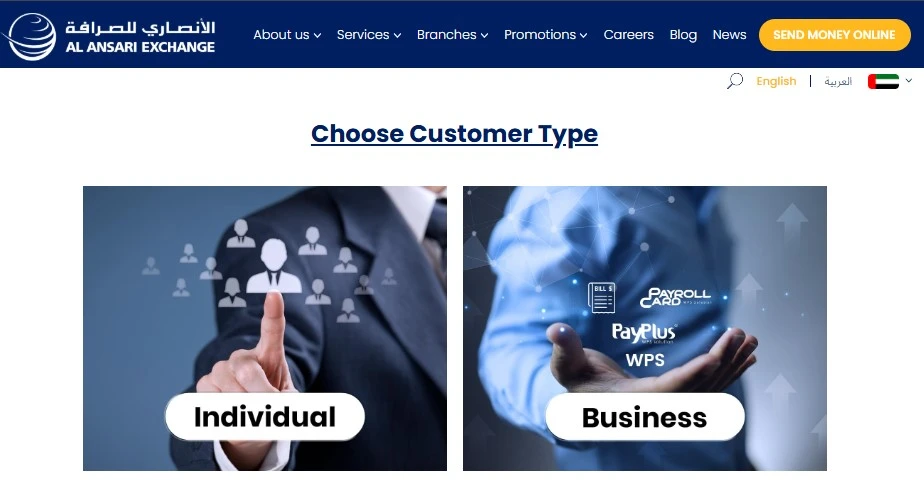
- Visit the official Al Ansari balance enquiry page
- Choose Salary Card Balance Check
- Enter your salary card number or registered mobile number
- Receive OTP on your phone
- Enter OTP to confirm
- View your current balance and salary credit
This method answers searches like:
- Al Ansari balance check online UAE
- Al Ansari salary check online
- Al Ansari salary card balance check online
It saves time and avoids branch visits.
Al Ansari Balance Check Using Mobile App
The mobile app is the fastest way to check your balance.
How to Use the App
- Checking your Al Ansari salary card balance through the mobile app is quick and easy. Follow these simple steps:
- Download the Al Ansari Exchange App from Google Play Store or Apple App Store.
- Open the app and log in. New users can register using name, email, and mobile number.
- After login, go to the “My Cards” section.
- Select your salary or PayPlus card from the list.
- Tap on “View Balance” to see your available amount.
- You can also check recent transactions and notifications.
- Log out after use to keep your account secure.
Benefits of App Method
- Instant balance view
- Salary alerts
- Transaction history
- No ATM needed
- Works anytime, anywhere
This method is best for daily tracking.

ATM Balance Check: Al Ansari Salary Card
ATM checks help users without internet access.
How ATM Balance Check Works
- Insert your PayPlus or salary card
- Enter your PIN
- Choose Balance Enquiry
- View balance on screen or receipt
ATM Availability in UAE
- Al Ansari Exchange ATMs
- Any ATM with Visa logo
- All UAE emirates
Charges
- Balance check at Al Ansari locations is free
- Other ATMs may charge a small fee
This method supports searches like:
- Al Ansari ATM balance check
- Salary card ATM balance enquiry
PayPlus Card Balance Check (Al Ansari)
The PayPlus Card is part of the payroll salary system provided by Al Ansari Exchange. Employers use this system to send salaries directly to employees through payroll cards. PayPlus is not a bank card. It works only for salary payments under approved payroll rules.
Relation Between PayPlus and Al Ansari
- PayPlus is a payroll card service
- Al Ansari issues salary cards linked with PayPlus
- Employers transfer salaries using payroll systems
- It is different from a normal debit or bank card
How to Check PayPlus Card Balance
- Visit the PayPlus or Al Ansari online portal
- Log in using your registered details
- Enter your PayPlus or salary card information
- Complete verification if asked
- View your available balance and transaction history
This method helps users searching for PayPlus card balance check online, payroll card balance check Al Ansari, and similar terms, without any confusion about how the system works.

Al Ansari Salary Card Balance Check at FAB ATMs
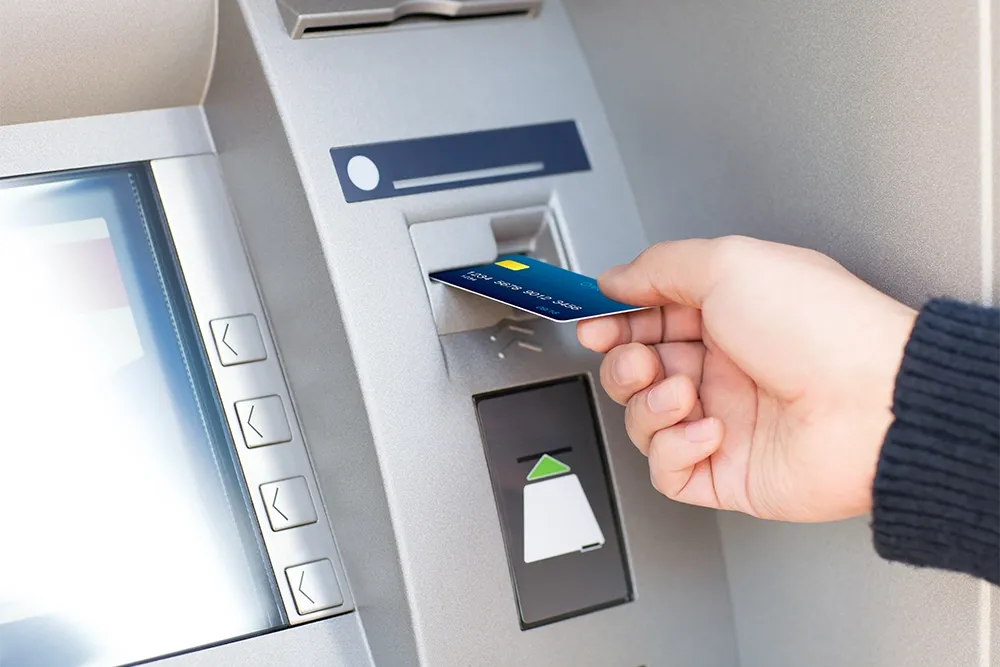
You can easily check your Al Ansari salary card balance at First Abu Dhabi Bank (FAB) ATMs across the UAE by following these steps:
- Visit any nearby FAB ATM.
- Select English as your language.
- Insert your PayPlus salary card.
- Enter your PIN code securely.
- Choose “Balance Inquiry”.
- View your balance on the screen or print a receipt.
Note: The first two balance inquiries each month are free. After that, AED 2 is charged for every additional balance check.
Al Ansari Balance Check via SMS Service
Al Ansari SMS service is helpful for users who do not have internet access. It allows you to check your salary balance through a simple text message.
Steps to follow:
- Open the SMS app on your phone.
- Send the assigned balance check code (available on the official Al Ansari website).
- Send the SMS to the registered Al Ansari service number.
- Receive your salary balance details within a few seconds.
This method is best for basic phones and offline users
Al Ansari Balance Check via Customer Service Hotline
If you prefer speaking to a representative, Al Ansari offers phone support.
Steps to follow:
- Dial 600 54 6000.
- Complete a few security verification questions.
- Get your salary balance information directly from the support agent.
This option is useful when online or ATM methods are not available.
What If You Forget Your Salary Card PIN or Password?
If you forget your PIN:
- Visit nearest Al Ansari Exchange branch
- Carry Emirates ID or valid ID
- Request PIN reset
For online password:

- Use “Forgot Password” option
- Verify via OTP
- Create a new password
Al Ansari Salary Card System in UAE
In the UAE, many workers receive wages through payroll cards. Employers submit salary files via approved systems. Once processed, salaries are credited directly to cards.
Who Uses Salary Cards
- Construction workers
- Retail staff
- Hospitality employees
- Logistics and services workers
This system helps workers without bank accounts.
Quick Facts – Al Ansari Balance Check
| Feature | Details |
|---|---|
| Card Type | Salary / Payroll |
| Internet Needed | Optional |
| Methods | Online, App, ATM, SMS |
| Coverage | All UAE |
| Linked System | PayPlus |
Comparison Table – Balance Check Methods
| Method | Internet | Best For | Availability |
|---|---|---|---|
| Online Website | Yes | Detailed view | UAE-wide |
| Mobile App | Yes | Daily tracking | UAE-wide |
| ATM | No | Offline users | All emirates |
| PayPlus Portal | Yes | Payroll users | UAE-wide |
| SMS | No | Basic phones | Limited |
Online Al Ansari Exchange Account Creation
Creating an online account with Al Ansari Exchange helps you manage your salary and payments easily.
- Step 1: Visit the official Al Ansari Exchange website and click on Register or Sign Up.
- Step 2: Choose your account type. Select Personal Account for individual use or Corporate Account for salary and business payments.
- Step 3: Enter your basic details, including full name, mobile number, email address, and Emirates ID or passport number.
- Step 4: Create your login details. Set a strong password and complete the security questions.
- Step 5: Verify your mobile number by entering the OTP sent via SMS.
- Step 6: Review your information, accept the terms and conditions, and submit the form.
- Step 7: Activate your account using the link sent to your email.
- Step 8: Log in and start using your account to check salary balance, view transactions, transfer money, and update personal details.
Why Balance Checking Really Matters
Every dirham matters. Many workers send money to families abroad.
- Rent payment: Check salary on 1st, pay rent on 2nd
- Family transfer: Confirm balance before remittance
- Daily expenses: Control food and travel spending
Balance awareness brings peace of mind.
Associated Costs Al Ansari Exchange Flexible Pay Card
| Fee Item | Charges (AED) |
|---|---|
| Non-Personalized Card Issuance (Primary / Supplementary) | 50 |
| Personalized Card Issuance (Primary / Supplementary) | 65 |
| Replacement or Lost Non-Personalized Card | 50 |
| Replacement or Lost Personalized Card | 65 |
| Supplementary Card Closure | 15 |
| Account Closure | 15 |
| Card Unload Fee | 5 |
| Card Inactivity Fee (After 6 Months) | 25 per month |
| Reload Fee (Any Currency) | 5 |
| Mobile App Usage | Free |
| Online Account Access | Free |
Benefits of the PayPlus Card
Here some benefits below:
- Free Cash Withdrawals: Withdraw your salary for free from all Al Ansari Exchange branches across the UAE.
- Free Balance Check: Check your balance without charges using the Al Ansari mobile app, branches, or call center.
- ATM Access Worldwide: Withdraw cash from any ATM that shows the Visa logo in the UAE or abroad. Standard ATM fees may apply.
- Easy Money Transfers: Send money locally or internationally through Al Ansari Exchange branches.
- No Minimum Balance: There is no need to maintain a minimum balance on your PayPlus card.
- Use for Shopping: Pay for purchases at any store worldwide that accepts Visa cards.
- Secure PIN Protection: Your cash and transactions stay safe with PIN-based security.
- Safe Online Payments: Use your PayPlus card for secure online shopping and transactions.
- 24/7 Customer Support: Get help anytime through the dedicated Al Ansari call center.
Common User Scenarios
Employees usually check their Al Ansari salary card balance in these situations:

- After salary credit: To confirm that the monthly salary has been received.
- Before ATM withdrawal: To avoid declined transactions or extra charges.
- Employer salary verification: To ensure the company has processed payroll correctly.
- First-time card use: New cardholders check balance to confirm card activation and salary credit.
Regular balance checking helps employees control spending, plan expenses better, and manage their money confidently, even without a bank account.
Tips for Better Financial Management
Once you know how to check your Al Ansari balance, managing your money becomes easier. Follow these simple tips:
- 1. Set balance alerts: Turn on notifications so you know when your balance gets low.
- 2. Check transactions regularly: Review your recent transactions to spot mistakes or extra charges early.
- 3. Use budgeting tools: Use mobile apps to track daily spending and plan monthly savings.
- 4. Plan savings first: When salary is credited, set aside money for savings before spending.
- 5. Check balance weekly: Make it a habit to check your balance every week for better control.
- 6. Spend smartly: Plan grocery shopping and choose affordable transport options to save more.
Al Ansari Exchange Contact Details
Al Ansari Exchange
Al Ansari Business Center, Al Barsha 1
Dubai, UAE
Phone: +971 4 366 2117
Email: [email protected]
FAQs About Al Ansari Balance Check
How can I check my Al Ansari salary balance online?
Ans: You can check your balance online by visiting the official website of Al Ansari Exchange. Enter your salary card number or registered mobile number, verify with OTP, and view your balance instantly.
Is Al Ansari balance check online free?
Ans: Yes. Online balance checks through the website or mobile app are completely free. There are no hidden charges.
How do I check my PayPlus card balance?
Ans: You can check your PayPlus card balance by logging into the Al Ansari Exchange portal or mobile app. After login, select the PayPlus or Salary Card option to view your balance.
Can I check my Al Ansari balance without internet?
Ans: Yes. You can check your balance using:
- ATM balance enquiry
- SMS balance check
- Customer service helpline
These options work without internet access.

What is the Al Ansari balance check code?
Ans: The balance check code is used for SMS services. It may change, so always confirm the latest code from the official Al Ansari Exchange website or customer support.
What is the Al Ansari balance check number?
Ans: You can call the Al Ansari customer service helpline at 600 54 6000 to check your balance with the help of a representative.
Can I check my salary balance using the Al Ansari mobile app?
Ans: Yes. The Al Ansari Exchange mobile app allows you to check salary balance, view transactions, and receive salary alerts in real time.
Is the Al Ansari salary card a bank debit card?
Ans: No. The Al Ansari salary card is a payroll card. It is used only for salary payments and daily spending. It is not a bank account.
Can I use my Al Ansari salary card at ATMs?
Ans: Yes. You can use your card at any ATM in the UAE that supports Visa. You can check balance or withdraw cash.
Are there charges for ATM balance checks?
Ans: Balance checks at Al Ansari Exchange ATMs are usually free. Other bank ATMs may charge a small fee depending on location.
Conclusion
Al Ansari balance check is an essential feature for salary card users in the UAE. Whether you check your balance online, through the mobile app, ATM, PayPlus portal, SMS, or customer support, each method helps you confirm salary credits on time. The PayPlus salary card offers a safe and easy way to manage wages without a bank account. Regular balance checks help you plan rent, control expenses, avoid failed transactions, and send money confidently to your family.




About The Author